
This article shows you how to use the Purple App's global map, find WiFi when you have no mobile signal, and help other users by keeping our map up to date.
What the map pins mean
Three pin types appear on the Explore page, each with a different connection method.
.png)
.png)
.png)
Searching and filtering the map
Tap the search bar at the top of the Explore page to look for places near you. Use Purple's filters to narrow results by speed and place type, such as coffee shop or hotel, so the map only shows what you need.
Saving maps for offline use
Download Purple's maps before you travel so you can find WiFi spots without mobile data.
.png)
.png)
Connecting to WiFi
How you get online depends on the type of network you find on the Purple map.
Helping your fellow WiFi hunters
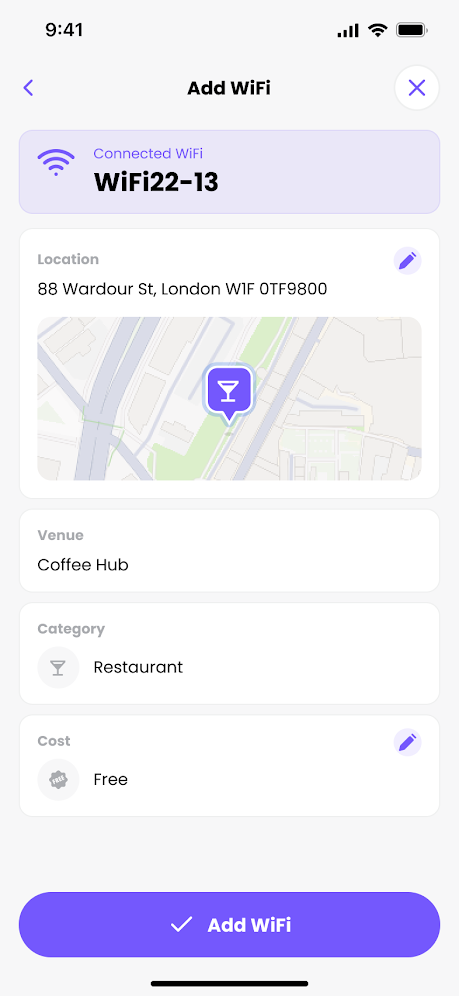
Our community map relies on Purple users keeping it accurate. You can update it directly from the app.
.png)
.png)
.png)